
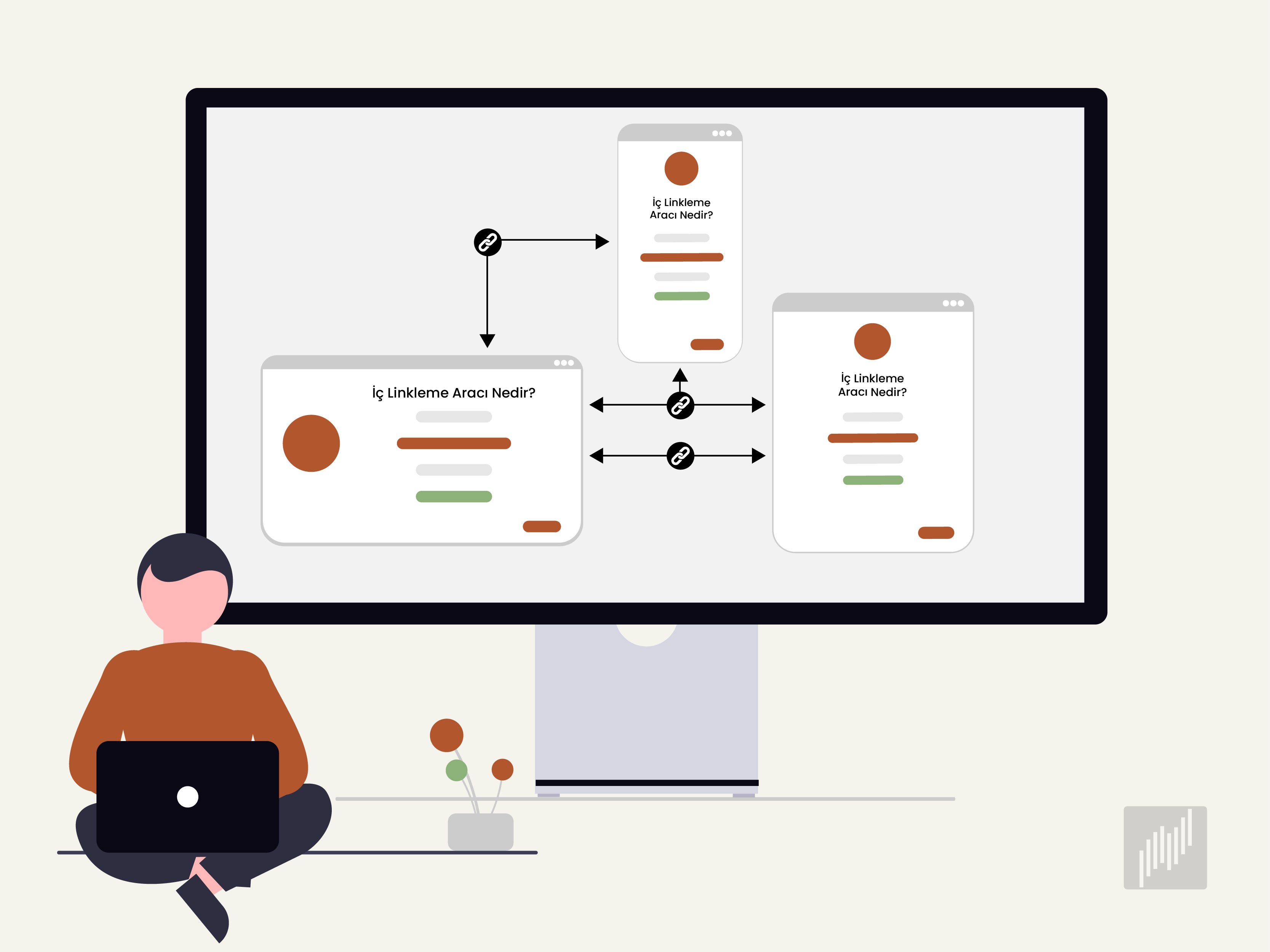
An internal linking tool is software that scans your website, maps the relationships between pages, and suggests connections that help search engines and readers find related content. Manual work fits small blogs, but once a site grows past a few dozen pages, building an internal linking strategy by hand becomes slow and easy to get wrong. AI-powered tools handle the analysis in minutes and surface natural-sounding suggestions based on the meaning of each page.
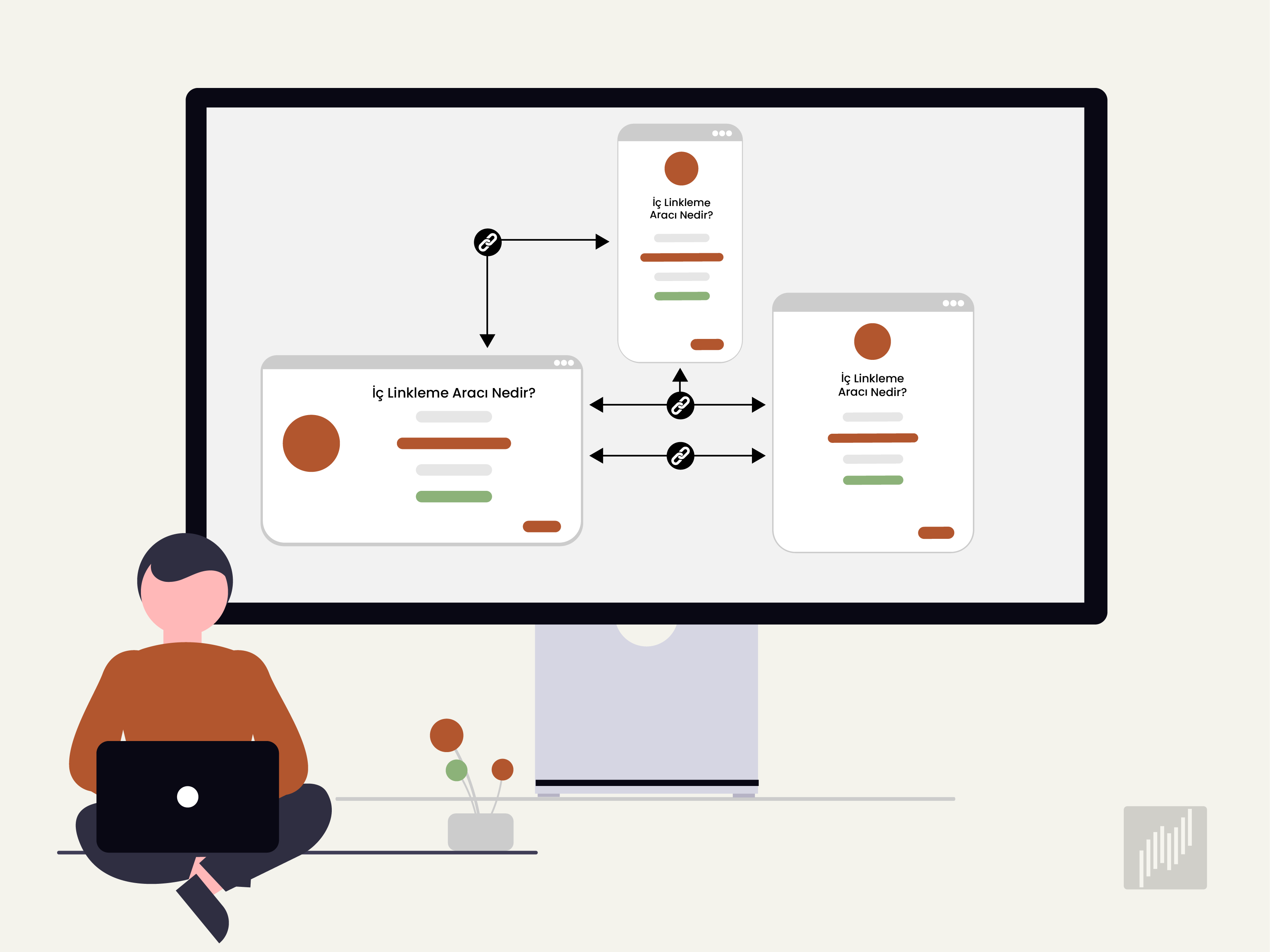
What Is an Internal Linking Tool and Why Do You Need One?
An internal linking tool is a software that crawls a website, analyzes pages with semantic models and keyword matching, and suggests relevant links between them. It detects orphan pages, flags broken links, and helps spread link equity more evenly across the site so important pages receive the attention they deserve.
Internal links (also called on-site links) help search engines understand how a website is organized. Google's crawlers look at how many connections point to a page and use that signal to judge how important the page is within the site. This is one of the core reasons internal linking and SEO are so closely tied together.
There’s also a user-experience side to this. When readers click through to related articles, they tend to stay longer, which lowers the bounce rate and sends positive signals back to search engines.
The Limits of Doing Internal Linking by Hand
Manual internal linking can work fine for a small blog with twenty or thirty articles. The trouble starts when the site grows. Adding backward links every time you publish new content turns into a chore that nobody on the team wants to own.
A few problems show up almost every time:
New articles get published without links pointing back to older, related posts.
The same anchor text gets reused across different pages, which can trigger keyword cannibalization.
Orphan pages quietly accumulate and never get noticed until traffic suffers.
Sites with multiple authors end up with inconsistent linking strategies over time.
Internal Linking Tool vs. Manual Workflow
Internal link tool users close the efficiency gap that manual work cannot. Once your content library passes a few hundred pages, checking every link by hand becomes nearly impossible. AI-powered internal linking software analyzes even large sites quickly and stays accurate as the site grows.
Comparison Criteria | Manual Process | AI-Powered Method |
Processing Speed | Comprehensive analysis takes a long time. | Sites with hundreds of pages are handled in a short window. |
Anchor Text Selection | Open to human error and repeated phrasing. | Produces SEO-aware, semantically varied options. |
Site-Wide Oversight | Tracking links on a growing site is exhausting. | Manages hundreds of pages from a single panel. |
How Internal Linking Affects SEO
SEO internal linking feeds organic visibility from several angles at once. Orphan pages start getting indexed, link equity flows to deeper articles, and topic clusters form, which builds subject authority over time. This is why internal links for SEO sit near the top of most technical audits.
One often-cited study reported that a properly designed structure can lift organic traffic by around 42% on average. ExpenseMonkey, an expense management platform, reported a 7x increase in organic traffic and a 10x rise in Google search impressions within three months after revising only its internal linking strategy.
These outcomes are not magic. They come from the basic mechanic of routing authority and crawler attention to the pages that matter most, which is what good internal link building is supposed to do.
Types of Internal Linking Tools and How They Work
Internal linking tools generally fall into two camps. The first group includes dedicated software built only for this job, while the second covers modules built into broader SEO platforms.
Dedicated Internal Link Building Software
Internal link building tools that run as standalone software focus on one thing, which is improving on-site link structure. They usually include a link audit tool, anchor text analysis, automatic suggestions, orphan page detection, and link authority distribution.
The internal link analysis behind these tools generally works like this:
A crawler visits every page on the site and indexes the content.
Natural language processing models calculate how topically similar two pages are.
AI algorithms identify natural sentence fragments where a link would fit.
Anchor text suggestions are generated based on the target page’s keyword profile.
Internal Linking Modules Inside SEO Platforms
SEO internal linking strategy features are sometimes bundled into broader platforms alongside keyword research, SERP tracking, and content optimization. This setup works well for teams that want to handle most of their SEO work inside one dashboard rather than juggle several subscriptions.
Semust AI Internal Linking Tool falls into this second category. The platform combines keyword research, rank tracking, and technical SEO auditing with an AI-powered internal linking tool that analyzes your content and suggests both relevant page connections and SEO-friendly anchor text. An optional WordPress integration lets you push approved suggestions live with a single click.
What to Look for When Choosing an Internal Link Tool
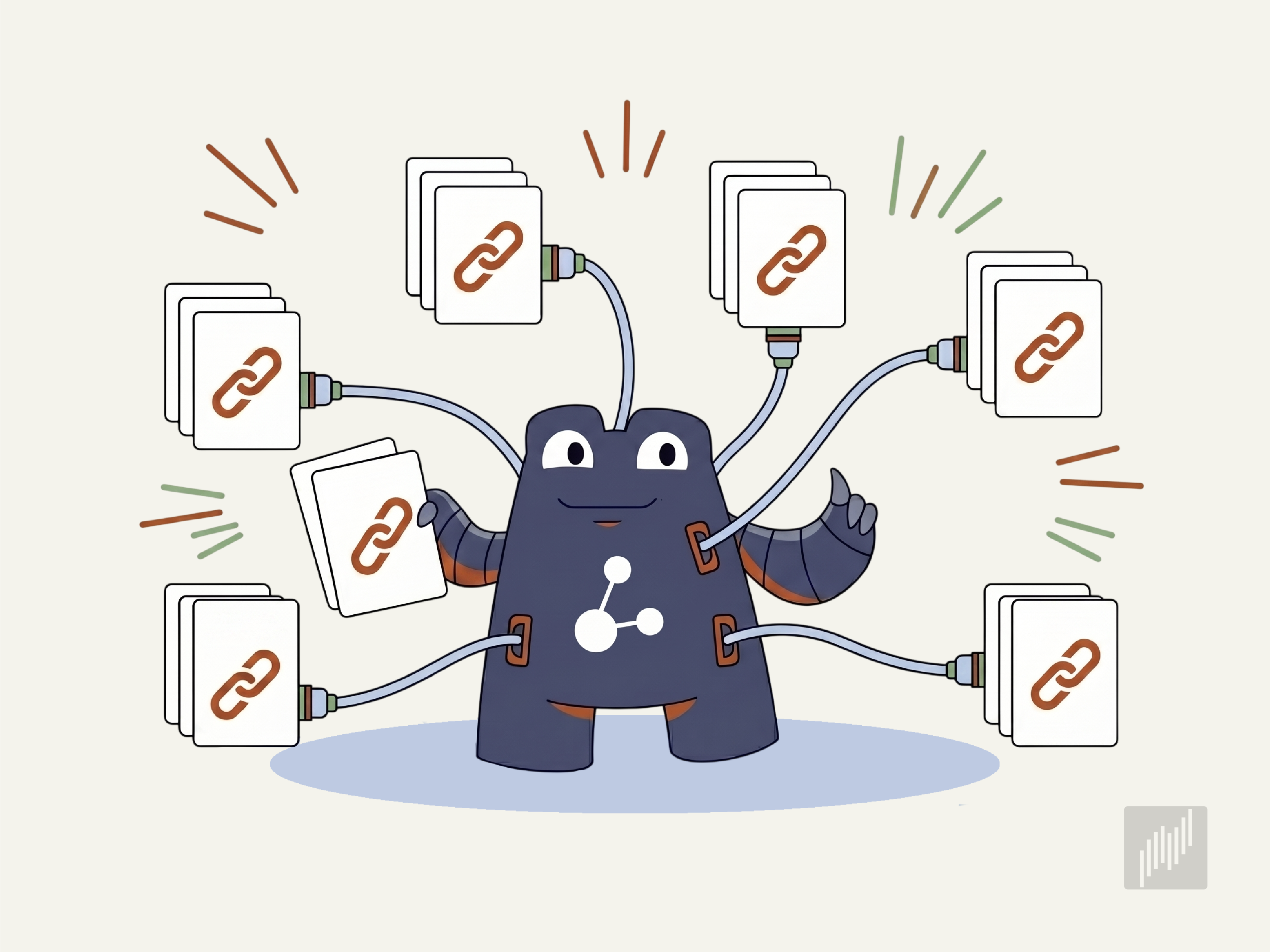
Internal link tool selection matters more than people expect. The wrong choice can mean paying for a subscription that adds little value, or worse, automating mistakes that hurt your site.
Features worth checking before you commit:
AI-based semantic analysis that understands page meaning, not just keyword overlap
Anchor text variety and automatic suggestions that avoid repetition
Orphan page and broken link detection through a built-in internal linking audit
Google Search Console integration for performance data
Bulk link addition and a clean management interface
Compatibility with your content management system
Multi-language support if you publish in more than one language
Automated Internal Linking: Benefits and Trade-offs
Automated internal linking saves real time, but full automation can also mean less control. Some tools push links live without asking, which sometimes leads to connections that don't quite fit the surrounding text.
Using an internal link checker pays off in a few ways:
Hundreds of pages get optimized in a short timeframe.
New articles automatically receive incoming links when they publish.
The manual workload disappears almost entirely.
The linking pattern stays consistent across the site.
The trade-offs to keep in mind:
AI doesn’t always read context perfectly.
Duplicate or off-topic links can slip through without review.
Semust takes a middle-ground approach here. The AI generates suggestions automatically, but nothing goes live until you approve it. A bulk approval feature lets you review and activate hundreds of suggestions in a single session, so the human checkpoint doesn’t slow things down.
How to Use the Semust AI Internal Linking Tool
Getting started with the Semust Internal Link Tool begins with a site crawl. After you enter your site’s URL, the platform analyzes your content and maps the semantic relationships between pages. WordPress integration is not required for this part. The crawl and suggestion process works across any content management system.
The workflow runs through these stages:
A site-wide crawl analyzes the content of every page.
The AI model calculates which pages are good matches for each other.
An appropriate anchor text is generated for each suggested link.
Existing internal links are detected so the tool doesn’t suggest duplicates.
Approved suggestions can be applied to the site with one click if WordPress is connected.
The AI model works alongside Semust’s own data to produce suggestions that match your site’s structure and content tone. With support for crawls of up to 20,000 pages, the tool handles large-scale sites without the workflow falling apart.

Frequently Asked Questions (FAQ) About Internal Linking Tools
What is the difference between internal and external linking tools?
Internal linking tools focus on connections between pages on the same domain to improve site structure and authority flow. External linking tools, often called backlink tools, track links pointing to your site from other websites. The two solve different SEO problems and are usually used together rather than as substitutes.
How can I track the effectiveness of internal links?
Track effectiveness by watching changes in organic traffic to deeper pages, indexation rates of previously orphaned content, and average session duration. Google Search Console shows which internal links Google has discovered.
Can an internal linking tool help with site navigation?
By surfacing related content within articles, an internal link tool gives readers natural paths to follow without relying only on menus. This improves how easily users move through the site, supports longer session times, and helps search engines understand which pages are connected by topic.
If you'd like to strengthen your site with AI-assisted internal linking for SEO and skip the manual workload that comes with growing content libraries, you can try Semust free for 14 days and see how the suggestions match your own pages.

Ramazan Umutlu
Ramazan Umutlu is a digital strategist with 10 years of SEO experience and the founder of Semust. Driven by the vision of Semust—an initiative born from his deep-rooted passion for software development—he bridges the requirements of SEO with innovative solutions. His work primarily focuses on technical SEO, organic growth, and data analysis.